Here’s a list of 7 small and less well-known things you can move, sort or select in Tableau Desktop. If you know about all of these, you’re a Jedi. I won’t tell how many of them were under my radar, for how many years, because it’s embarrassing.
Obviously there are many more similar features, but most are well-known. I consult with a lot of developers, and I picked these based on my experience of what usually gets missed.
1
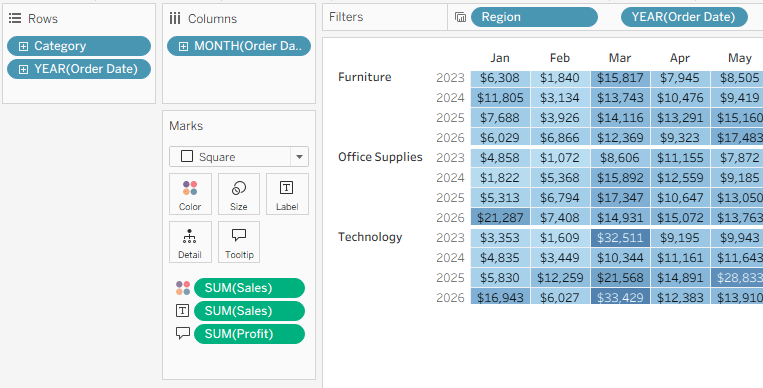
Drag the cards around (filters, rows, columns, etc.)
Note – the new layout is saved per worksheet, not for the whole workbook.
2
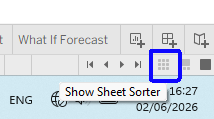
Use the Sheet Sorter to organize your dashboards/worksheets – it’s the small icon on the bottom right.
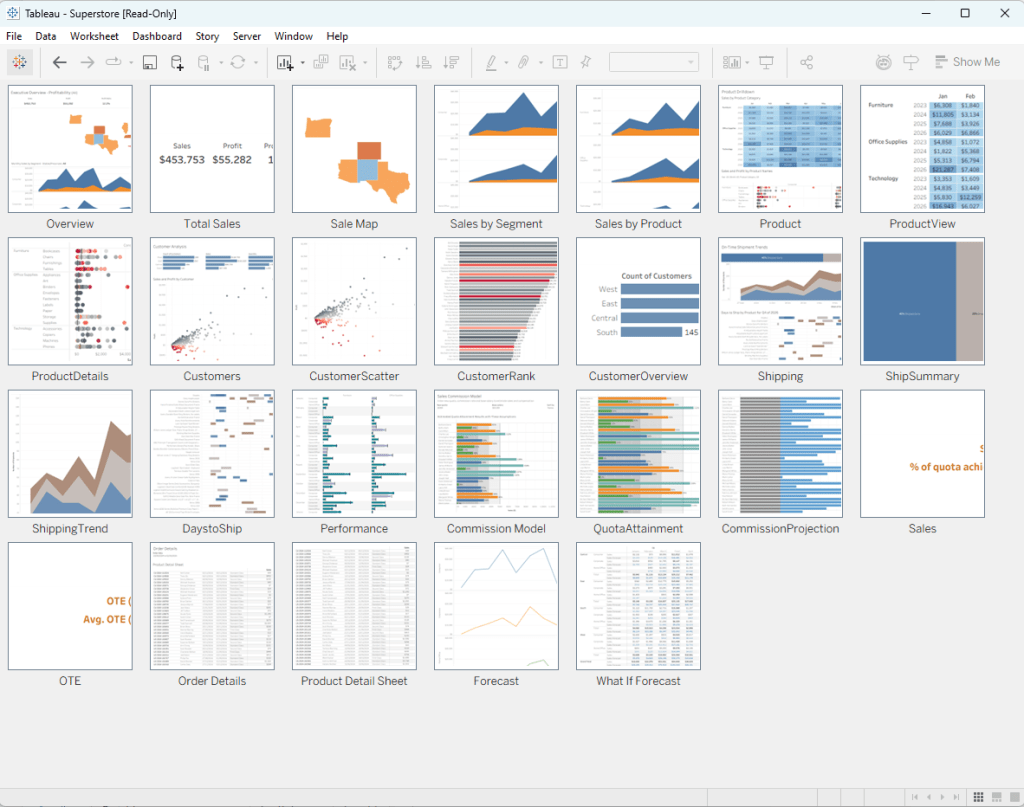
Tip – if it’s not showing all the thumbnails, you can right-click anywhere and “Refresh All Thumbnails”.
3
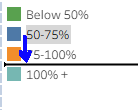
Drag legend items to reorder them in the chart.
4
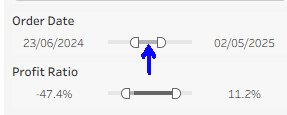
On a range filter (numerical or date), if you drag from the center of the range it keeps the interval constant and moves both ends of the range.
This is good for users as well as developers.
5
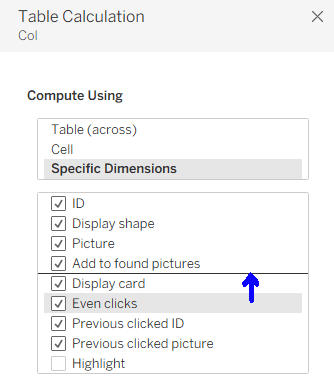
When editing table calculations, the fields can be dragged into the right order.
6
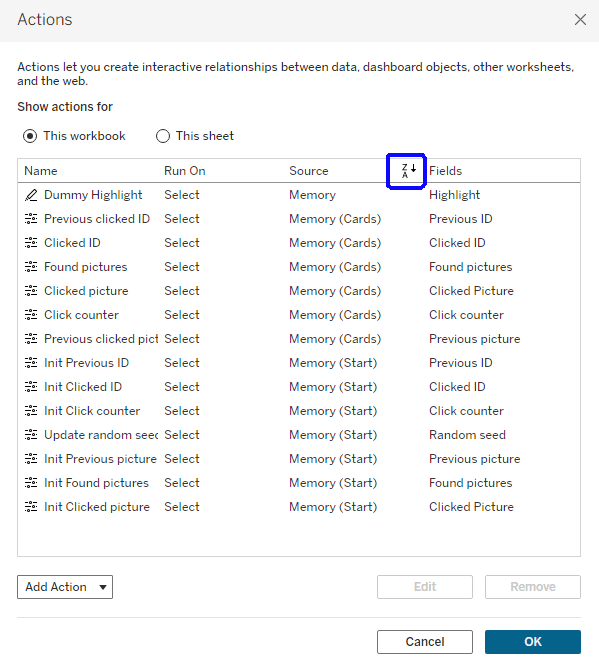
Dashboard or worksheet actions can be sorted by clicking on the column header.
7
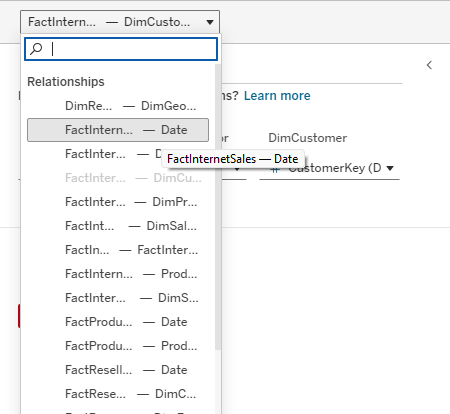
If you’re having trouble clicking exactly on a relationship “noodle” to select it in your data source, go to the menu for one of the tables and “Select Relationship”.
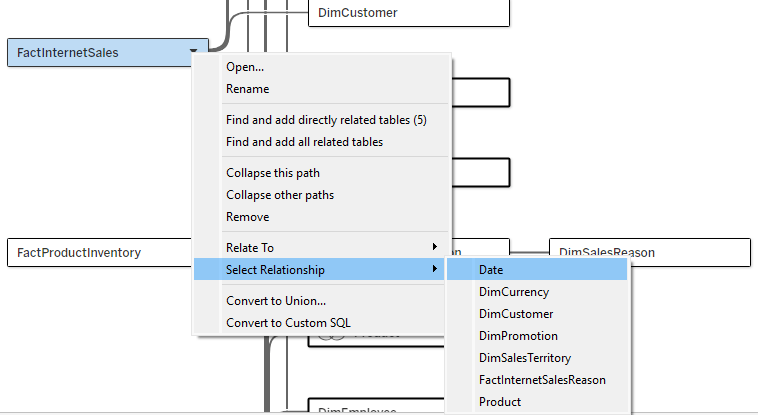
You can also do this from the dropdown above the relationship/table details pane, but the text there is always cut off (though it has a tooltip).


Leave a Reply